How to Redeem HOOP JAM Codes
Exact UI path from the lobby to inventory so every promo lands on the right account.
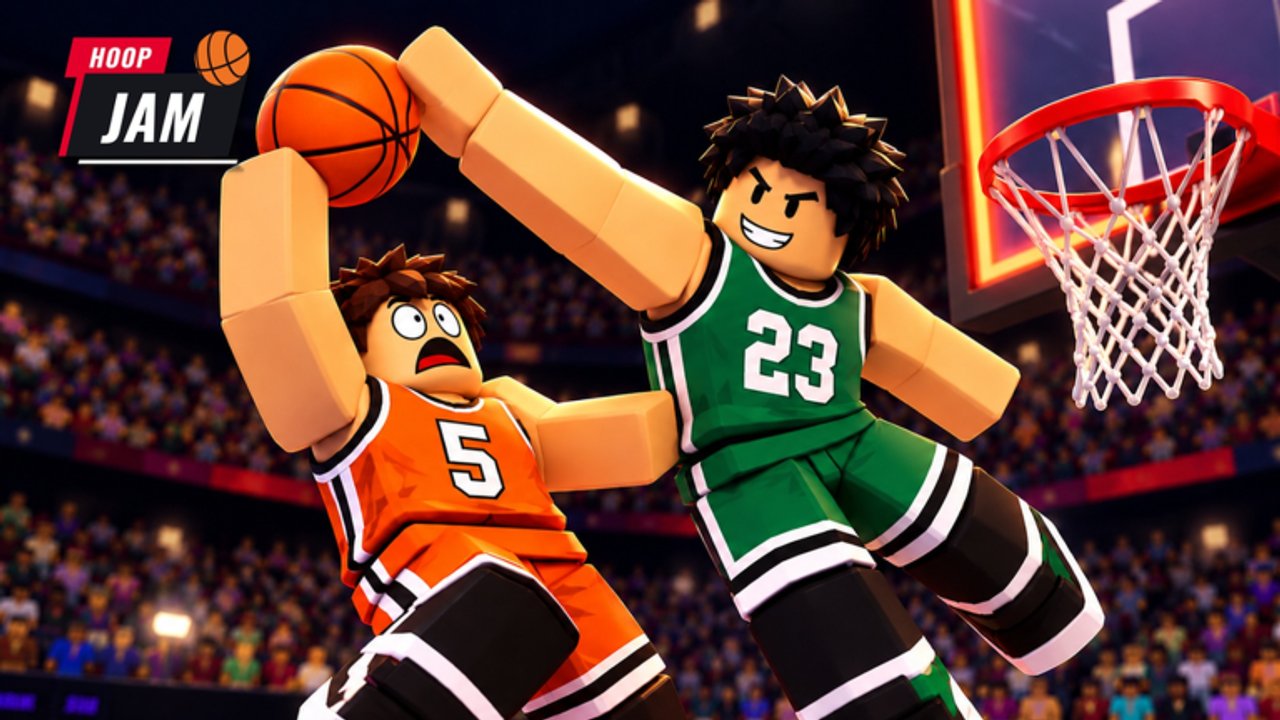
Redeeming codes in HOOP JAM! is quick once you know where StacWorks placed the button. This guide walks through the full flow on Roblox, explains what each reward looks like in inventory, and covers the usual failure cases. Keep the Codes Hub open in another tab so you can copy ALLSTAR, HALLOWEEN, and WELCOME exactly.
HOOP JAM is a free-to-play 2v2 basketball game with dunks, VFX, quests, and seasonal events. Codes shortcut early Jam Coins, All-Star access, and cosmetic bags — but only if you redeem on the account you play on.
Before you start
- Update Roblox and launch HOOP JAM! (place ID
79970262052360). - Sign into the correct account — rewards are account-bound.
- Have the code ready. Active November 2026 codes:
ALLSTAR—All-Star TicketHALLOWEEN—500 Jam CoinsWELCOME—Ball Bag
- Make sure you can see the top bar UI. If menus are hidden mid-match, return to a lobby or safe menu state first.
Codes are case-sensitive. halloween is not the same as HALLOWEEN.
Step-by-step redemption
1. Open the CODES panel
From the main HOOP JAM interface, tap or click the CODES button at the top of the screen. You should not need to dig through settings or Roblox browser pages — the redeem UI is inside the experience.
If you do not see CODES:
- Wait for the game to finish loading assets.
- Exit a dunk contest or match cutscene and return to the default HUD.
- Check that another popup (quest, shop, pass) is not covering the top bar.
2. TYPE YOUR CODE
Inside the panel you will see a field labeled along the lines of TYPE YOUR CODE. Paste or carefully type the promo string. Avoid trailing spaces. Do not add quotation marks.
Recommended order for new players:
WELCOME—Ball Bag cosmetics earlyHALLOWEEN—500 Jam Coins for shop purchasesALLSTAR—All-Star Ticket for weekend modes
3. Press REDEEM
Hit REDEEM once and wait for confirmation feedback. Spamming the button can cause confusing double prompts even when only one grant succeeds. Stay on the panel until the game responds.
4. Verify inventory
Close the codes panel and open inventory / bags / currency displays:
- Jam Coins should increase by 500 after
HALLOWEEN. - All-Star Ticket should appear after
ALLSTAR. Needed for All-Star weekend loops described in All-Star Weekend. - Ball Bag from
WELCOMEshould be openable for ball cosmetics. Some older guides called this an FX Bag; treat inventory as the source of truth and open whatever bag you received.
Then equip new balls or plan purchases of sneakers and outfits. For what to prioritize, see Gear and Cosmetics and the Cosmetics Tier List.
Visual walkthrough
The embedded video mid-page shows a codes redeem flow so you can match button positions if the UI layout feels crowded on mobile or console. Pause on the CODES and REDEEM moments if your device resolution scales the HUD differently.
Troubleshooting failed codes
“Invalid” or no reward
- Re-type with correct capitals:
ALLSTAR,HALLOWEEN,WELCOME. - Confirm the code is still listed as active on the Codes Hub. Seasonal promos end after events.
- You may have already redeemed it on this account — most codes are one-time.
Button missing
- Rejoin the server.
- Try another device on the same account to isolate a client UI glitch.
- Finish tutorial popups that might block the top bar on brand-new saves.
Rewards not visible
- Soft-rejoin the experience.
- Check every inventory tab (currency, bags, tickets, cosmetics).
- Open bags manually; some rewards sit unopened until you claim the contents.
Wrong account
If you redeemed on an alt, log into that alt to use the items. Roblox does not move HOOP JAM inventory between users.
Platform notes (keyboard, controller, touch)
The CODES button is the same across inputs; only navigation differs:
- Mouse/keyboard —click CODES, click the text field, paste, click REDEEM.
- Touch —tap CODES, tap the field, use the on-screen keyboard, tap REDEEM.
- Controller —highlight CODES with the stick, confirm, enter text with the platform keyboard overlay, confirm REDEEM.
Gameplay binds (WASD, Space dunk, F pass/steal, and controller maps) are covered on Controls. You do not need those binds to redeem — only to play after claiming rewards.
What to do right after redeeming
- Spend or bank Jam Coins intentionally — do not impulse-buy every shop ball.
- Open the Ball Bag and note which cosmetics dropped.
- If All-Star weekend is live, enter the relevant modes with your ticket.
- Continue the Getting Started checklist: quests, first dunks, and 2v2 practice vs bots or friends.
- Skim Dunks and VFX if your bag leaned toward dunk effects instead of balls.
Halloween players should also read Halloween Phantom Pass so candy farming and the HALLOWEEN coin grant work together instead of overlapping goals.
Safety reminders
- Never give your password or Roblox cookie to anyone offering “secret codes.”
- Official redeem happens only inside HOOP JAM via the CODES button — not on random websites.
- This wiki lists public promos only. We do not sell codes.
Related links
- Codes Hub —full active list and reward table
- All-Star Weekend —ticket usage
- Halloween Phantom Pass —seasonal context for
HALLOWEEN - Players Hub —cosmetics and progression overview
- Updates Hub —when codes usually rotate
Redeem once, verify inventory, then get back to dunking.
Frequently Asked Questions
Quick answers to common HOOP JAM questions.
Where is the CODES button in HOOP JAM?
At the top of the in-experience UI. Open it, type your code, then press REDEEM.
Can I redeem the same HOOP JAM code twice?
No. Active promos are one-time per account. A second attempt usually fails as already claimed.
Do I redeem codes on the Roblox website?
No. Use the in-game CODES panel inside HOOP JAM, then check inventory.
What should I redeem first as a beginner?
WELCOME for a Ball Bag, HALLOWEEN for 500 Jam Coins, then ALLSTAR if you plan to play All-Star weekend modes.
My code worked but I see no items — what now?
Rejoin, check currency and bag tabs, and open any new Ball Bag. Soft currency and tickets can sit in different inventory panels.