HOOP JAM Controls Guide
Every official keyboard and gamepad bind so your hands match the dunk timing in your head.
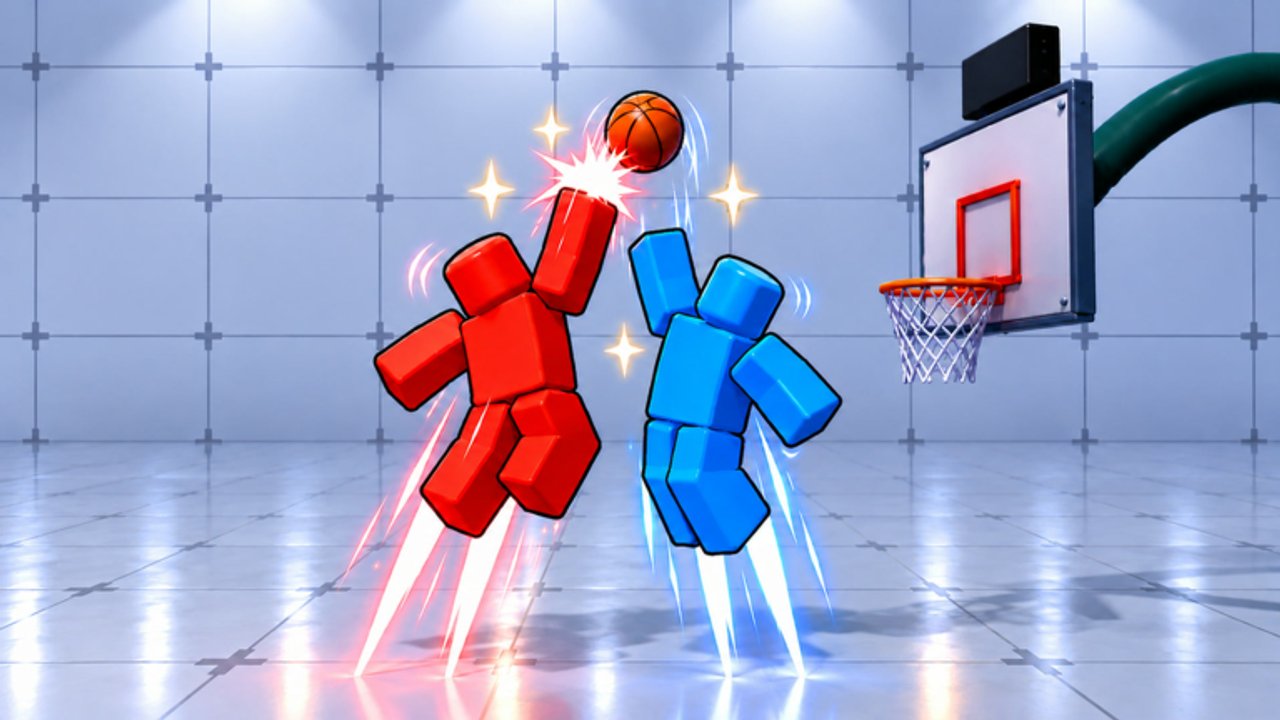
Mastering HOOP JAM starts with muscle memory. This page is the definitive controls reference for StacWorks’ Roblox 2v2 basketball game — keyboard and controller — so you can jump between Getting Started drills and real dunk attempts without guessing buttons mid-drive.
HOOP JAM rewards crisp inputs: sprint into space, gather, dunk on Space (or the controller shoot face button), then either outlet pass or shove depending on defensive pressure. Print this mental map, then practice in bots.
Keyboard controls
| Action | Key |
|---|---|
| Move | WASD |
| Shoot / Dunk | Space |
| Pass / Steal | F |
| Sprint | Shift |
| Dribble / Shove | R |
Keyboard notes
- WASD is your gather angle. Most missed dunks are bad approach paths, not broken Space timing.
- Space contextually shoots or dunks based on position and state — near the rim with momentum you are looking for dunk converts. Deep timing: How to Dunk.
- F is dual-purpose. On offense it passes; on defense it steals. Do not panic-tap F while you still have the ball unless you mean to pass.
- Shift sprint drains attention — release before fine aim adjustments if you overshoot the paint.
- R covers dribble moves and shove interactions. Use it to create a sliver of space before another Space attempt.
Controller controls
| Action | Button |
|---|---|
| Move | Left Stick |
| Shoot / Steal | X / □ |
| Jump / Block | Y / △ |
| Pass | A / ✕ |
| Dribble / Shove | B / ○ |
| Sprint | RB / R1 |
Labels show Xbox / PlayStation style glyphs. Your device may rename them, but the face-button layout matches common Roblox gamepad mapping for HOOP JAM.
Controller notes
- Left Stick aim matters as much as WASD — slide toward the refined angle before shooting.
- X/□ handles shoot/steal contexts. That dual role means discipline: know whether you are on offense or defense before mashing.
- Y/△ jump/block is your vertical answer to lob-style attempts and a tool to deter reckless slashers.
- A/✕ is a dedicated pass button — cleaner than keyboard’s shared F in some players’ muscle memory.
- B/○ mirrors keyboard R for dribble/shove.
- RB/R1 sprint. Feather it; full-hold sprint into traffic is how turnovers happen.
Offense input recipes
Basic drive dunk (keyboard) WASD toward rim —hold Shift to close —release or feather Shift —Space near gather window —optional R if you need a shove first.
Basic drive dunk (controller) Left Stick —RB to close —X/□ to finish —B/○ if you need dribble space —Y/△ only when you are actually jumping to finish or rising to protect.
Kick-out Draw two defenders, then F (keyboard) or A/✕(controller) to the open teammate. Highlight plays are cooler when assisted.
Reset dribble If the lane dies, R / B/○ to reset instead of forcing a contested cinematic dunk animation you have not mastered. Animation tiers: Dunks and VFX.
Defense input recipes
Steal poke Mirror the ball carrier with movement, tap F or X/□ in steal context — do not lunge blindly every frame.
Block timing On controller, Y/△ as the shooter rises. Keyboard players rely more on positioning and steal timing since Space is offense-centric; stay between ball and rim.
Sprint recover Shift / RB to close out after a pump, then stop sprinting so you can change direction for the shove or steal.
Menus and codes (not gameplay binds)
Redeeming promos uses the on-screen CODES button, not a keyboard shortcut. After matches, remember:
- CODES —TYPE YOUR CODE —REDEEM
- Inventory check for Jam Coins, All-Star Ticket, Ball Bags
Active list: Codes Hub. Walkthrough: How to Redeem Codes.
Practice plan tied to controls
- 5 minutes movement + sprint only.
- 5 minutes pass accuracy to a bot or friend.
- 10 minutes dunk attempts focusing on Space / X timing.
- 5 minutes defensive F / X steals without fouling your positioning.
- 5 minutes mix in R / B shove into a second dunk try.
Repeat daily until you stop looking down at the keyboard. Then play friends 2v2 sets from the Guides Hub path.
Platform quirks
- Mobile touch (if you play touch) maps to on-screen buttons rather than the tables above — learn the HUD glyphs, but this wiki focuses on keyboard/controller as documented.
- Display lag feels like input lag; lower graphics if dunk timing feels floaty.
- Busy lobbies (experience can host on the order of 20 players socially) may add distraction even when the match is 2v2 — mute extra UI if needed.
Related pages
Learn the grid, then make the grid disappear under instinct.
Frequently Asked Questions
Quick answers to common HOOP JAM questions.
What key dunks in HOOP JAM on keyboard?
Space handles Shoot/Dunk. Approach with WASD and Shift, then press Space in the gather window near the rim.
How do I pass on controller?
Press A/✕ to pass. Keyboard players use F, which also covers steal on defense.
What button sprints?
Shift on keyboard and RB/R1 on controller. Feather sprint so you can still aim gathers.
Is Steal on the same button as Shoot?
On controller, X/□ covers Shoot/Steal depending on context. On keyboard, F is Pass/Steal while Space stays Shoot/Dunk.
Where do I practice controls safely?
Use vs bots from the Getting Started path until dunks and passes feel automatic, then move to friends 2v2.